SAS Programming
(Mar 24) – SAS Programming: How to Use SAS Personal Login Manager
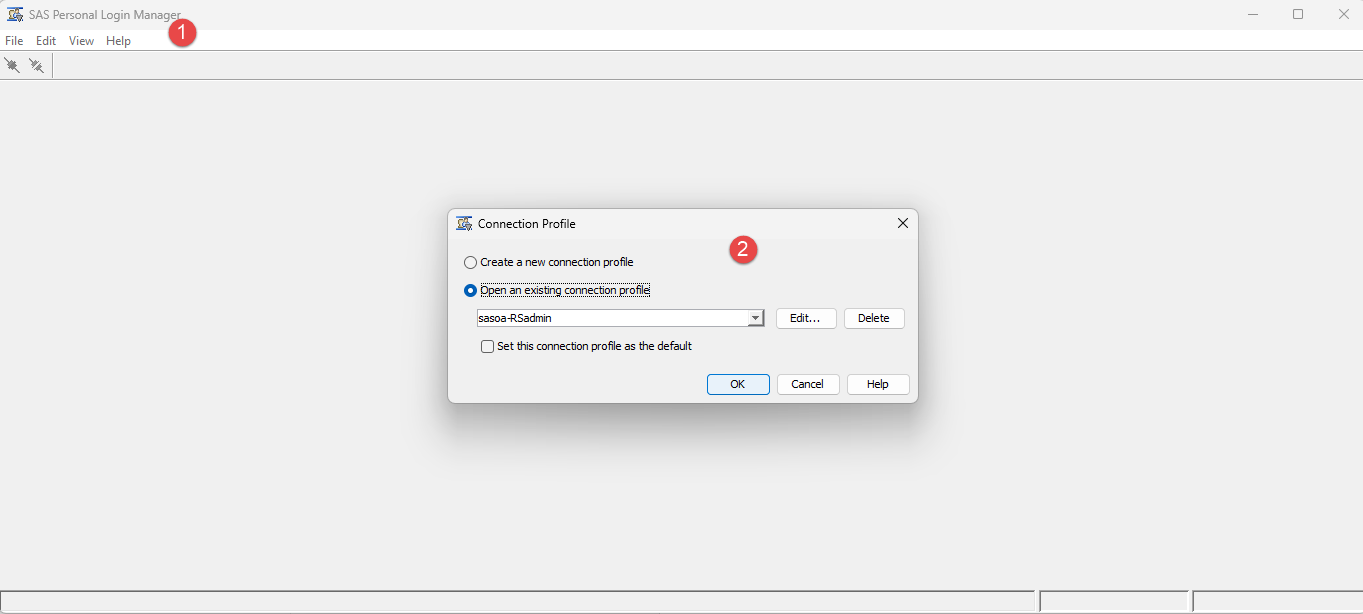
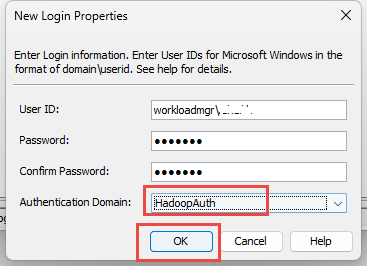
SAS Personal Login Manager is a great tool to manage different Login in addition to SAS EG Explorer. Often this utility is made available along with SAS clients such as SAS Enterprise Guide, SAS Add-on for MS Office and other clients based on your software stack. If you do not find it on your desktop/laptop then you may request it from your IT.
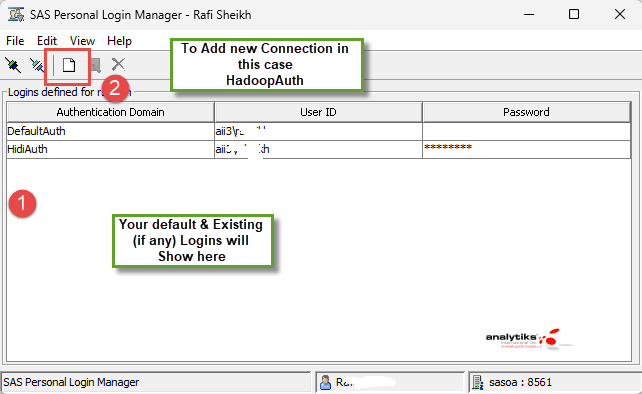
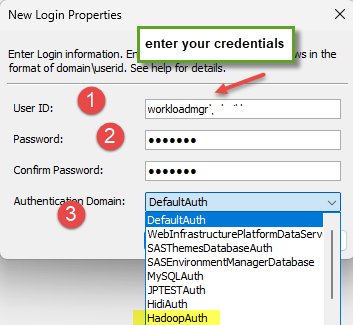
In order to manage or add a login, the AuthDomain has to exist and made available by your SAS administrator.
Please note, we are using an example in our lab.
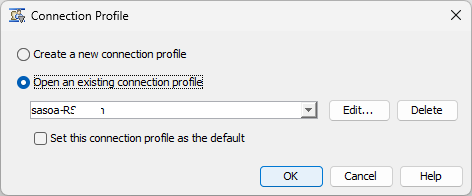
On your client desktop or laptop (note: going forward will refer to your node as client) either click on MS Start or type in 'Search ', SAS Personal ...